FlexSlider 和 RaxusSlider 插件相关参数
SS
FlexSlider
链接:http://flexslider.woothemes.com/
**FlexSlider **是一个非常出色的 jQuery 滑动切换插件,它支持所有主流浏览器,并有淡入淡出效果。适合所有初级和高级网页设计师使用。关键的一点是该工具还是开源的。
$(window).load(function () {
  $(".flexslider").flexslider({
    animation: "fade", //String: Select your animation type, "fade" or "slide"图片变换方式:淡入淡出或者滑动
    slideDirection: "horizontal", //String: Select the sliding direction, "horizontal" or "vertical"图片设置为滑动式时的滑动方向:左右或者上下
    slideshow: true, //Boolean: Animate slider automatically 载入页面时,是否自动播放
    slideshowSpeed: 7000, //Integer: Set the speed of the slideshow cycling, in milliseconds 自动播放速度毫秒
    animationDuration: 600, //Integer: Set the speed of animations, in milliseconds动画淡入淡出效果延时
    directionNav: true, //Boolean: Create navigation for previous/next navigation? (true/false)是否显示左右控制按钮
    controlNav: true, //Boolean: Create navigation for paging control of each clide? Note: Leave true for manualControls usage是否显示控制菜单
    keyboardNav: true, //Boolean: Allow slider navigating via keyboard left/right keys键盘左右方向键控制图片滑动
    mousewheel: false, //Boolean: Allow slider navigating via mousewheel鼠标滚轮控制制图片滑动
    prevText: "Previous", //String: Set the text for the "previous" directionNav item
    nextText: "Next", //String: Set the text for the "next" directionNav item
    pausePlay: false, //Boolean: Create pause/play dynamic element
    pauseText: "Pause", //String: Set the text for the "pause" pausePlay item
    playText: "Play", //String: Set the text for the "play" pausePlay item
    randomize: false, //Boolean: Randomize slide order 是否随机幻灯片
    slideToStart: 0, //Integer: The slide that the slider should start on. Array notation (0 = first slide)初始化第一次显示图片位置
    animationLoop: true, //Boolean: Should the animation loop? If false, directionNav will received "disable" classes at either end 是否循环滚动
    pauseOnAction: true, //Boolean: Pause the slideshow when interacting with control elements, highly recommended.
    pauseOnHover: false, //Boolean: Pause the slideshow when hovering over slider, then resume when no longer hovering
    controlsContainer: "", //Selector: Declare which container the navigation elements should be appended too. Default container is the flexSlider element. Example use would be ".flexslider-container", "#container", etc. If the given element is not found, the default action will be taken.
    manualControls: "", //Selector: Declare custom control navigation. Example would be ".flex-control-nav li" or "#tabs-nav li img", etc. The number of elements in your controlNav should match the number of slides/tabs.自定义控制导航
    manualControlEvent: "", //String:自定义导航控制触发事件:默认是click,可以设定hover
    start: function () {}, //Callback: function(slider) - Fires when the slider loads the first slide
    before: function () {}, //Callback: function(slider) - Fires asynchronously with each slider animation
    after: function () {}, //Callback: function(slider) - Fires after each slider animation completes
    end: function () {}, //Callback: function(slider) - Fires when the slider reaches the last slide (asynchronous)
  });
});
FAQ01:如何使用 flexslider 设置多个滑块?
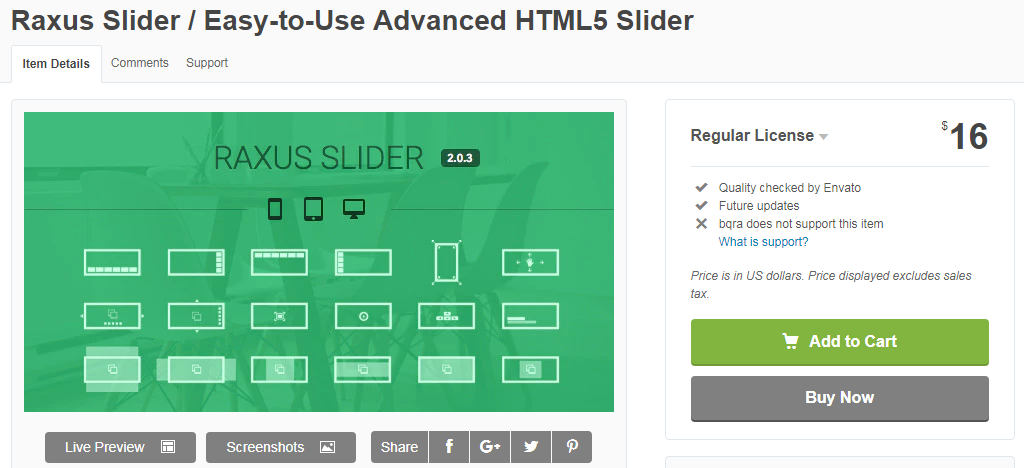
Raxus Slider
链接:https://codecanyon.net/item/raxus-slider-easytouse-advanced-html5-slider/7008343
相比 FlexSlider,也有人会选择使用 Raxus Slider,从代码简洁性上而言,后者能用更少的代码实现同样的效果;不同的是,FlexSlider 是开源免费的,而 Raxus Slider 是付费的。